The reel menu
Full-screen dishes your guests swipe through, with photos or short looping videos. Smooth even on a budget Android phone.
NEWReel menus for Bangladesh
Guests scan a QR and swipe your dishes like Instagram. Bill with a paperless invoice, and bring them back with loyalty points.
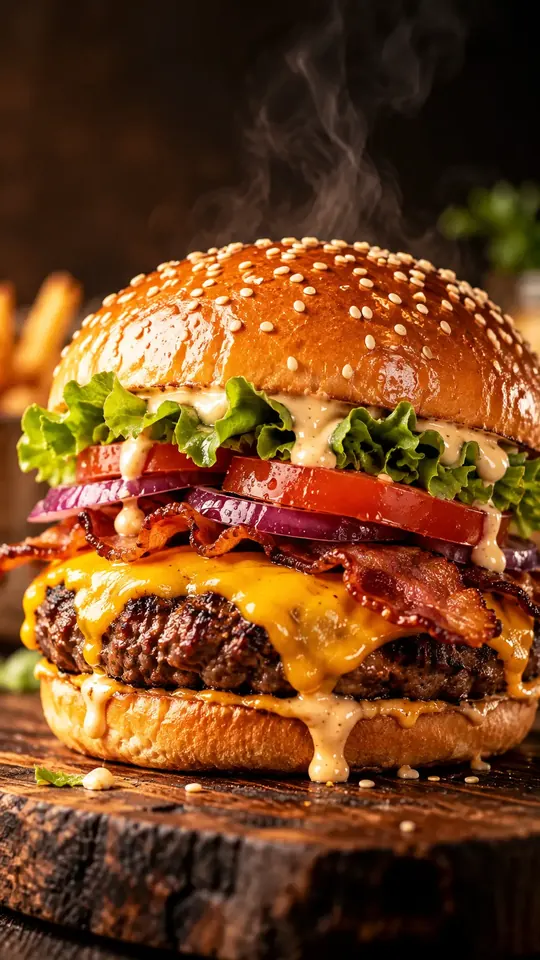
Fast food
Smash Burger
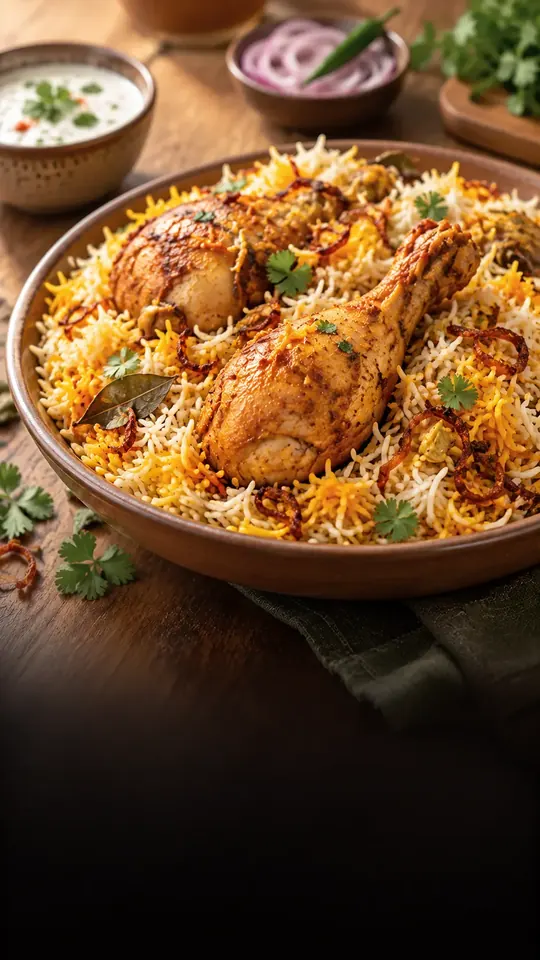
Mains
Chicken Biryani
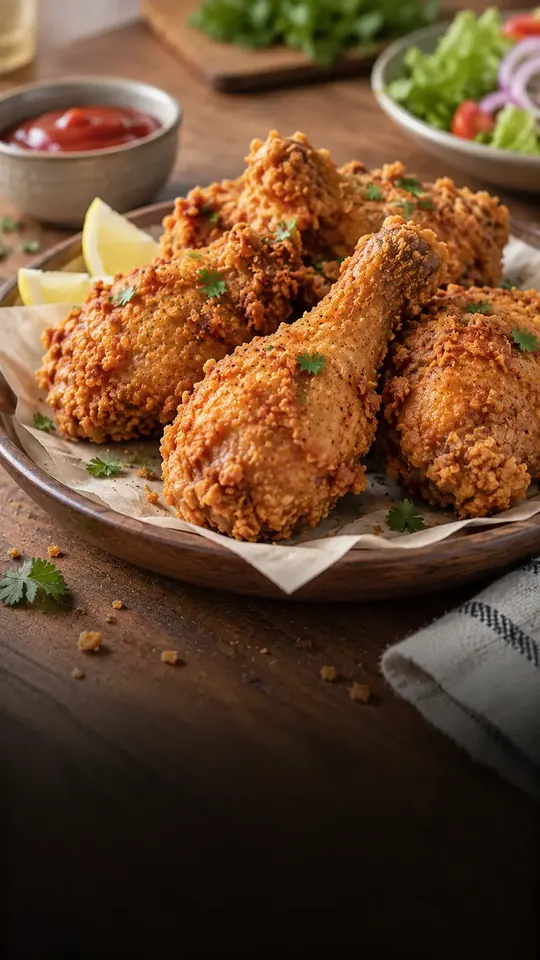
Starters
Fried Chicken

Drinks
Chocolate Shake
Fast food
Smash Burger
The problem
Paper menu
khabo.bd
Features
Full-screen dishes your guests swipe through, with photos or short looping videos. Smooth even on a budget Android phone.
Prices, photos, sold out. Change it once, every table sees it.
One card on the table: the menu and the Wi-Fi, no password to read out.
Happy guests go to Google. Unhappy ones talk to you first.
Orders land in your panel instantly with an order ID. Turn it on, and you also get:
A clean digital invoice for every order. No printer, no paper roll.
Spice Garden
Dhanmondi 27, Dhaka
Thank you!
A point for every paid order. A full card unlocks the reward you choose. No app, no punch card.
Spice Garden
Points card
4/6
How it works
Step 1
Restaurant name, email, password. No card. Your trial starts at once.
Step 2
A guided setup walks you through dishes, photos, tables and Wi-Fi in about 5 minutes.
Step 3
khabo.bd prints your table cards and brings them to you. Put them out, you're live.
Live demo
Point your phone camera at the code. You'll open a real restaurant menu, exactly what your guests will see.
Spice Garden · demo
FAQ
Your first month is completely free, with every feature switched on and no card needed. We'll share simple monthly plans before your trial ends, and nothing is charged unless you choose a plan.
About 5 to 8 minutes for the basics. The guided setup asks one question per screen, and you can skip any step and come back later.
No. They scan the QR with their phone camera and the menu opens in the browser. It works on any smartphone, including budget Android phones on mobile data.
We do. Once your menu is ready, khabo.bd prints your table cards with the menu and Wi-Fi codes and delivers them to your restaurant.
Yes, if you want them to. Ordering is optional: turn it on and guests send orders with an order ID that appears instantly in your panel, plus a paperless invoice they can save as an image.
Turn them on in your settings and pick the reward and how many points it takes. Guests join with their phone number, and each order you mark Paid adds a point (one a day, above a minimum you set). A full card becomes a reward they add to their next order. It works with table ordering switched on.
Pick a plan and everything carries on without interruption. If you don't, your menu pauses after a short grace period, but all your data is kept so you can come back any time.
Takes 5 minutes
One month free. No card. We print and deliver your QR cards.